Framer CMS 3.0 Guide
Learn everything about Framer CMS 3.0. It’s features, benefits, SEO impact, comparisons, and real-world use cases.
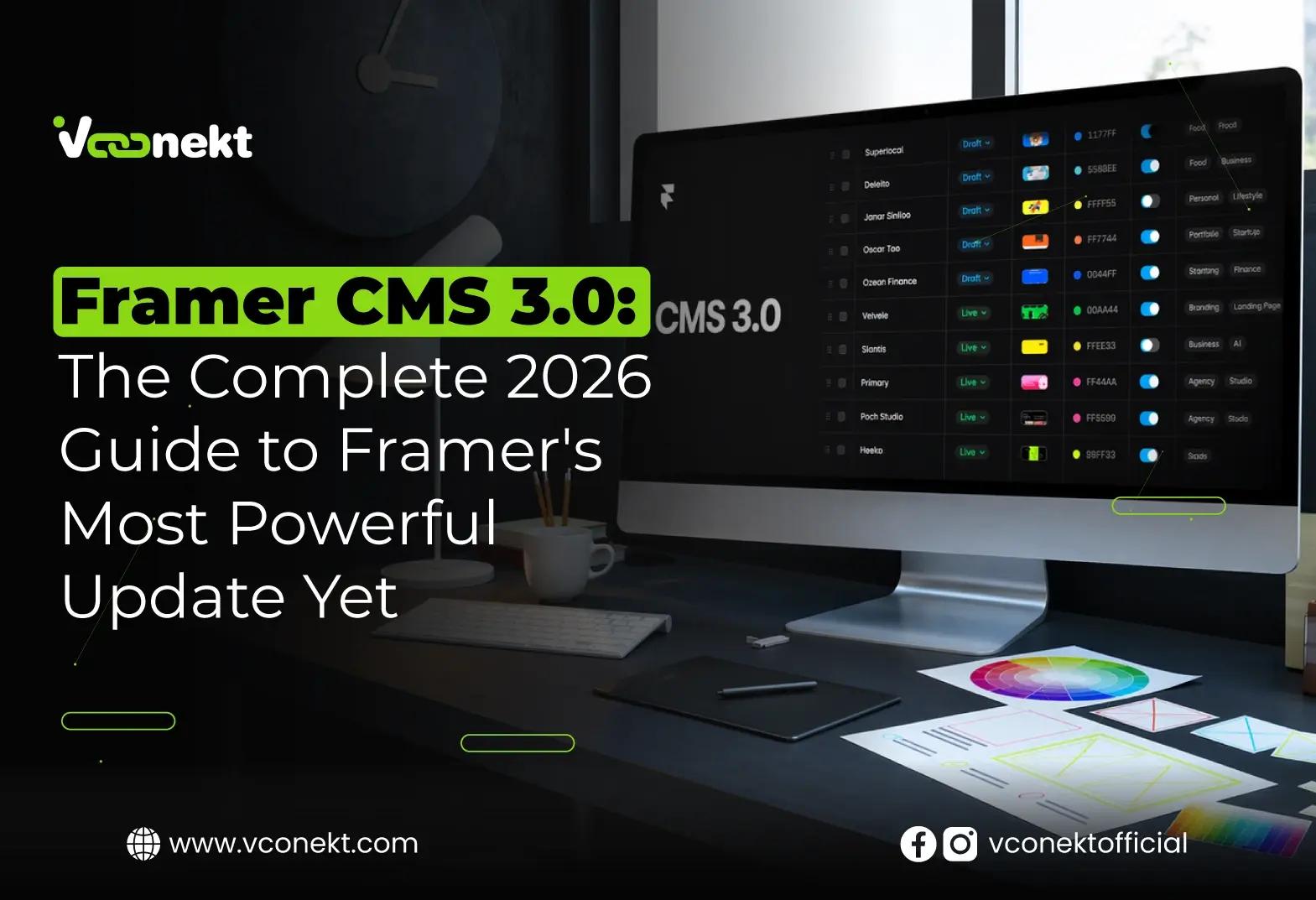
Framer CMS 3.0 officially launched on April 21, 2026 — and it's not just an update. It's a full reimagining of how designers and developers manage, structure, and publish dynamic content inside the Framer website builder. Here's everything you need to know.
What Is Framer CMS 3.0?
Framer CMS 3.0 is a ground-up rebuild of Framer's built-in content management system, announced and released on April 21, 2026.
If you've been following the Framer ecosystem, you'll know the original CMS was already one of the most visual-first content management solutions in the no-code space. But as design teams scaled — managing hundreds or thousands of CMS items across blog posts, portfolios, product listings, and event pages — the cracks started to show. The old system required opening overlays for almost every change, column management was rigid, and bulk editing was sluggish.
Framer CMS 3.0 addresses every one of these friction points with a complete architectural redesign. According to Framer's official update page, the CMS has been "completely redesigned to make managing large collections faster and more intuitive." This isn't marketing language — the feature list backs it up in detail.
"The new table view introduces full inline editing across all cells, eliminating the need to open overlays for most changes, with support for multi-cell selection, bulk actions, and quick copy and paste."
For businesses relying on Framer as their primary website builder, this update changes the editorial workflow in a meaningful way. Non-technical editors can now update content with spreadsheet-like speed, while developers retain full programmatic control through Framer's updated Plugin and Server APIs.
100K CMS items supported
Apr 21 Official launch date, 2026
∞ Collection references
0 Lines of code needed
Key Features of Framer CMS 3.0
The 3.0 release is one of the most feature-dense CMS updates Framer has shipped. Below is a breakdown of every major addition and improvement in this release, drawn directly from Framer's official changelog.
Full Inline Editing
Edit any cell directly in the table — no more opening overlays for routine content updates. Every field type, including rich text, images, and references, is editable in place.
Collection Folders
Organize your CMS collections into folders for teams managing complex site architectures with multiple content types and categories.
Multi-Cell Selection & Bulk Actions
Select multiple rows or cells and apply changes in bulk — perfect for toggling statuses, updating dates, or reassigning categories across dozens of items at once.
Filtering & Smart Search
The new search combines with active filters for precision content retrieval, even when working with collections of thousands of items.
Column Resizing & Reordering
Resize and rearrange columns to build a view that matches your editorial team's mental model, not Framer's default.
Dedicated Fields Panel
Fields management has been moved to a dedicated side panel, giving teams much more room to define, reorder, and configure complex field structures.
What Else Was Improved?
Beyond the headline additions, Framer also shipped a significant list of improvements. Multi-row selection and bulk actions were re-engineered for speed. Keyboard navigation has been rebuilt from the ground up — a detail that content teams spending hours in the CMS will appreciate enormously. Draft and live statuses are now clearer, field warnings are more visible, and the item overlay layout has been cleaned up. Critically, slow bulk editing — a long-standing complaint among power users — has been resolved.
The Inline Editing & Table View Overhaul
The single biggest workflow change in Framer CMS 3.0 is the redesigned table view. Previously, editing most fields required clicking into an overlay panel — a context switch that added friction for editors making rapid updates. With the new inline approach, statuses, toggles, references, images, icons, and colors can all be updated directly in the table cell.
This matters especially for content-heavy teams: think a marketing manager updating a blog publication date, a product manager toggling a feature flag, or a studio coordinator updating a portfolio project's category. Actions that once took three clicks now take one.
Pro Tip
Use the new multi-cell selection with keyboard shortcuts to batch-update status fields across your entire collection in seconds. This alone can save content teams hours per week on large collections.
Column customization goes further than aesthetics. By allowing teams to reorder and resize columns, Framer is essentially giving each team a bespoke editorial dashboard. A news publication might prioritize the status and publish-date columns; a product site might surface the price and variant-reference columns front and center. This level of customization without any custom code is a meaningful step forward for the no-code CMS category as a whole.
Folder Organization for CMS Collections
One of the most-requested features from Framer's power-user community was collection folders. As sites scale, the flat list of collections quickly becomes unmanageable. A larger brand might have separate collections for blog posts, team members, case studies, press mentions, product features, testimonials, and more. Framer CMS 3.0 now lets teams group these into logical folders — a structural change that will feel immediately familiar to anyone who has managed a well-organized Google Drive or Notion workspace.
How Framer CMS 3.0 Powers Your SEO Strategy
One area where Framer has consistently outpaced other no-code platforms is SEO. Framer CMS 3.0 deepens this advantage. The platform already allowed teams to generate page titles, meta descriptions, and schema markup directly from CMS variables — meaning a single collection item can automatically populate all the right SEO tags without any manual work.
Did you know? Framer sites regularly achieve near-perfect Google Lighthouse scores for performance, SEO, and accessibility out of the box. The CMS integration ensures that dynamically-generated collection pages inherit the same fast-loading architecture as static pages.
With the new inline editing in Framer CMS 3.0, SEO workflows become noticeably faster. Content writers can now update meta titles and descriptions across an entire blog collection without leaving the CMS table view. Combined with Framer's built-in Auto Translate feature (released in March 2026), international SEO — targeting multiple languages with properly localized metadata — is now fully manageable inside a single Framer workspace.
Dynamic Filters & Deep Linking
Framer's CMS supports deep filtering to build dynamic pages that update instantly based on URL parameters. This is critical for SEO because it enables faceted navigation — the kind of filtering architecture that major e-commerce sites invest heavily in. When built properly with Framer CMS, each filter state can produce a unique, crawlable URL that Google can index independently, multiplying your site's indexable surface area without duplicating content.
Framer CMS 3.0 vs Traditional CMS Platforms
Many teams still wonder whether Framer is a credible alternative to more established CMS platforms like WordPress, Webflow, or Contentful. Here's how Framer CMS 3.0 stacks up on the dimensions that matter most for modern marketing and product teams in 2026:
Feature
Framer CMS 3.0
Webflow CMS
WordPress
Contentful
Inline visual editing
✓ Native
✓ Partial
✗ Plugin-only
✗ None
No-code setup
✓ Complete
✓ Mostly
✗ Requires dev
✗ Requires dev
Built-in hosting & CDN
✓ Global
✓ Yes
✗ External needed
✗ External needed
CMS item limit
Up to 100K
Up to 10K
Unlimited (with perf cost)
Unlimited
Bulk CMS editing
✓ New in 3.0
✗ Limited
✓ With plugins
✓ Via API
Built-in localization
✓ + Auto Translate
✗ Third-party
✗ Plugin-based
✓ Via API
Design-to-CMS binding
✓ Native
✓ Partial
✗ Disconnected
✗ Disconnected
For teams that need a platform where design and content management are truly unified — not bolted together — Framer remains the strongest option in 2026, and the CMS 3.0 update widens that lead considerably.
Real-World Use Cases for Framer CMS 3.0
The versatility of Framer CMS 3.0 makes it genuinely applicable across a wide range of industries and team types. Here are the most compelling scenarios:
Marketing & Content Teams
Blog publishing is the most obvious use case — and with inline editing, content teams can now update slug, meta description, hero image, category, and publication status all within a single table view without ever leaving to an overlay. The new folder organization means a brand managing a blog, a resources hub, and a press room can keep all three neatly separated while maintaining one unified CMS workspace.
Agencies & Freelancers
Framer's client-facing CMS experience has always been a selling point for agencies. With the redesigned interface and cleaner field panels, onboarding clients to manage their own content is now significantly smoother. The spreadsheet-like table view is familiar to non-technical stakeholders, reducing training time substantially.
SaaS & Product Companies
Product companies use Framer to manage changelog pages, feature highlights, pricing tables, and testimonial collections. With the ability to scale to 100,000 CMS items and the programmatic creation APIs introduced in the developer changelog, sophisticated content architectures are achievable without migrating to a headless CMS.
E-Commerce & Portfolios
Portfolio sites benefit enormously from the new bulk-action capabilities. A photographer managing 500 project entries can batch-update status fields, categories, or featured flags in seconds. For light e-commerce use cases — when combined with Framer Commerce — the CMS sync improvements mean product data stays current without manual reconciliation.
Trending Insights: What the Framer CMS 3.0 Launch Tells Us About 2026
The release of this update isn't happening in a vacuum. It reflects several larger shifts in how teams are thinking about the web in 2026:
1. The No-Code CMS Is Maturing Into a Serious Enterprise Tool
A 100,000-item CMS limit, folder-based organization, and programmatic APIs are not features aimed at hobbyists. Framer is clearly pursuing larger marketing and product teams that previously dismissed no-code tools as too limited. The Framer CMS 3.0 update is a direct signal that the platform is ready for enterprise-scale content operations.
2. AI-Augmented Content Workflows Are Becoming Table Stakes
The timing of Framer CMS 3.0 alongside the Auto Translate feature — which keeps content in sync across all locales automatically using AI models — reflects the broader industry shift toward AI-augmented content workflows. Teams are no longer expected to manually translate or re-publish content per locale. Framer's approach of embedding AI directly into the CMS layer (rather than as a plugin or bolt-on) gives it a structural advantage as multilingual publishing becomes a baseline expectation for competitive websites.
3. Design-Content Unification Is Winning
One of the clearest trends in the website builder market is the convergence of design tools and CMS tools. Headless CMSs were supposed to solve this, but they introduced a developer dependency that many teams couldn't sustain. Framer's approach — where the same canvas you design on is where you bind CMS data — is proving to be the more practical answer for the majority of teams. Framer CMS 3.0 doubles down on this philosophy.
4. Speed of Editorial Iteration Is the New Competitive Advantage
In a world where A/B testing, content personalization, and rapid campaign publishing are table stakes, the speed at which a team can publish, update, and iterate on website content matters enormously. Framer CMS 3.0's inline editing, bulk actions, and keyboard-native navigation directly attack this problem — making the gap between a content idea and a published page as small as possible.
Insight
Framer's Auto Translate feature — launched just three weeks before CMS 3.0 — combined with the new CMS table view makes Framer one of the few no-code platforms where a solo marketer can manage a multilingual, SEO-optimized, dynamically filtered content site without writing a single line of code.
5. The Framer Plugin Ecosystem Is Accelerating
The April 2026 developer changelog reveals new APIs for programmatic collection creation, background plugin messaging, and enhanced code file management. This tells a clear story: Framer is not just building a CMS for editorial teams. It is building a programmable content platform where third-party integrations can create, manage, and sync collections dynamically. For teams that use external data sources — whether a Shopify catalog, an Airtable database, or a custom API — the Framer Plugin ecosystem is becoming an increasingly powerful bridge.
Work With an Expert Framer Website Developer
Understanding every feature of a platform is one thing. Building a high-performing, beautifully designed, conversion-optimized website with it is another. That's where expertise makes the difference.
Why Choose a Specialist Framer Developer Over a Generalist?
Framer's visual canvas is deceptively powerful. What looks like a simple drag-and-drop tool hides a deep layer of component logic, CMS binding rules, code override capabilities, and performance optimization options. A specialist at VConekt understands not just how to use these tools, but how to architect a site that scales gracefully as your content and team grow.
With Framer CMS 3.0 introducing more sophisticated collection management, folder hierarchies, and API-based integrations, the value of working with someone who deeply understands the Framer website builder ecosystem — from design canvas to CMS data model to hosting configuration — has never been higher.
Ready to build? If you're looking to launch or redesign your website using Framer CMS 3.0 and the Framer website builder, reach out to VConekt for a consultation. Whether you're a startup, agency, or established brand, we can help you achieve your business goals with a Framer site that looks exceptional, loads fast, and scales with your content.
Final Thoughts
Released on April 21, 2026, Framer CMS 3.0 is the most substantial content management update the platform has ever shipped. From full inline table editing and bulk actions to folder-based organization, smart search with active filters, and a dedicated fields panel — every aspect of the CMS has been rebuilt with speed, scale, and team collaboration in mind.
Combined with Framer's broader momentum in 2026 — including Auto Translate for localization, the Holo and Logo Shader design tools, programmatic Plugin APIs, and blazing-fast global hosting — the platform is making a compelling case to be the default choice for marketing and product teams who refuse to compromise between design quality and operational efficiency.
For those looking to harness Framer CMS 3.0's full potential, working with an expert Framer website developer is the fastest and most reliable path from concept to a production-ready, SEO-optimized website. The tools are extraordinary — what you do with them depends on who's building.
Finally, we suggest checking out more insightful reads for you:
What Is an SEO Consultant? Guide to Hiring the Right Expert
Google Ads for Doctors SEO Outline and Strategies to Fill Your Appointment Book
SEO Instant Appear Highsoftware99.com Guide for 2026
iOS App Testing Services and How to Get Expert QA for Apple Apps
MORE INSIGHTS

AI Voice Agent for Restaurants in Australia: A Practical Guide
Discover how an ai voice agent restaurants australia solution can handle calls, support bookings, answer customer questions, and help Australian restaurants improve service.

Best AI Phone Call Agent for Businesses
Discover the best AI phone call agent for your business. See how Voicecon.ai handles calls, qualifies leads, and automates follow-ups.

Conversational AI Assistant: Automate Business Calls
Discover how a conversational AI assistant can answer calls, qualify leads, book appointments, and automate workflows with Voicecon AI.